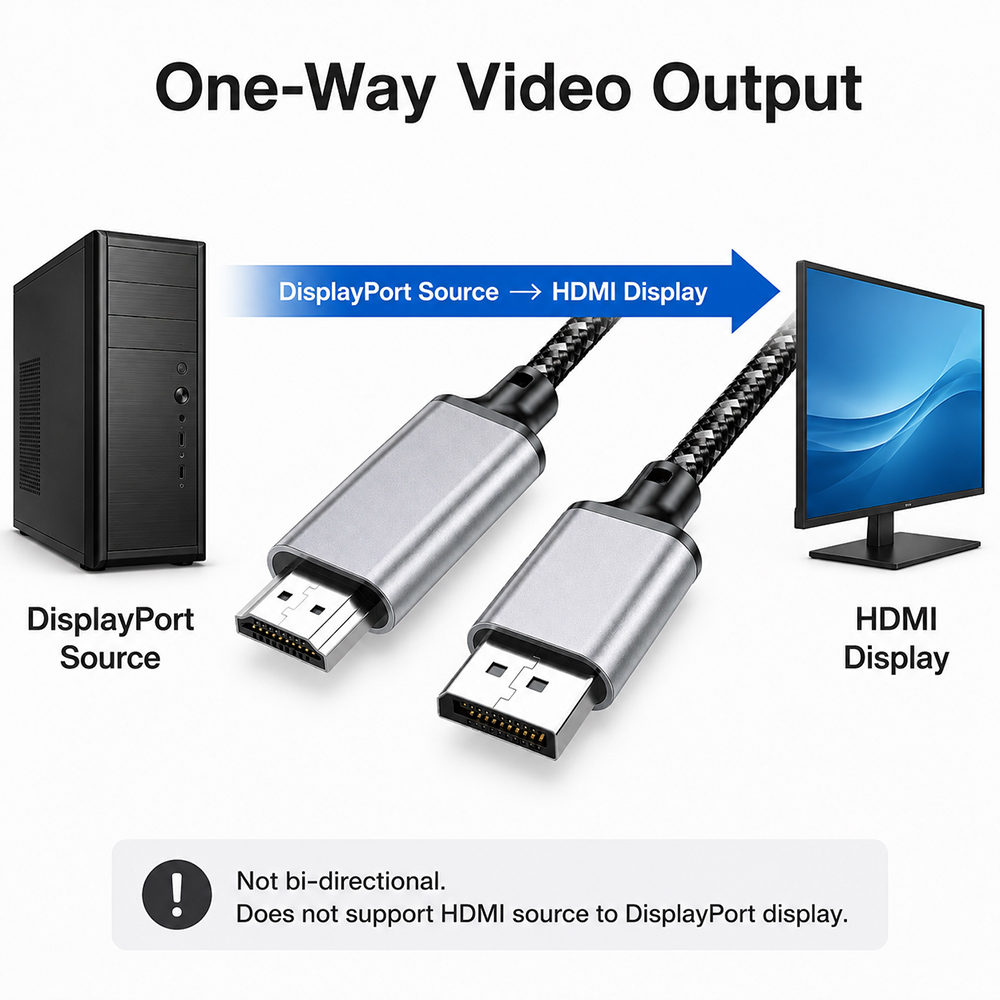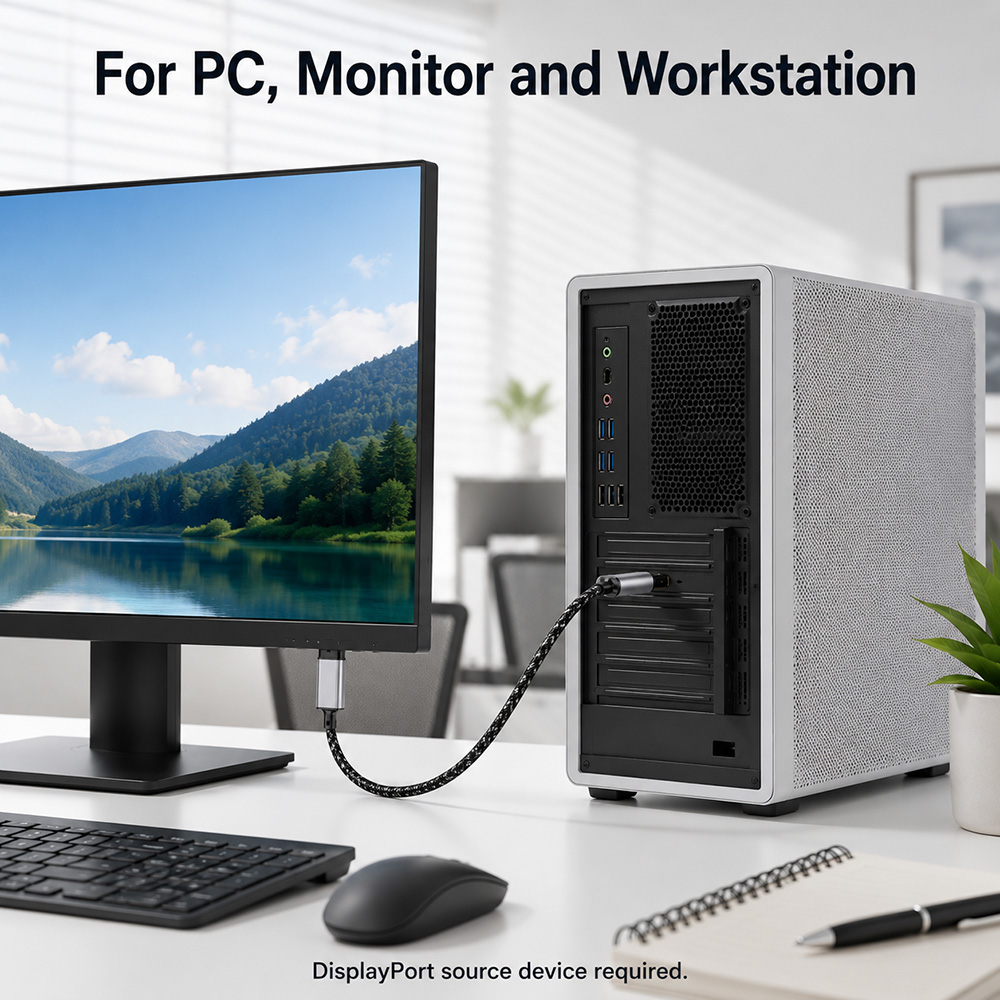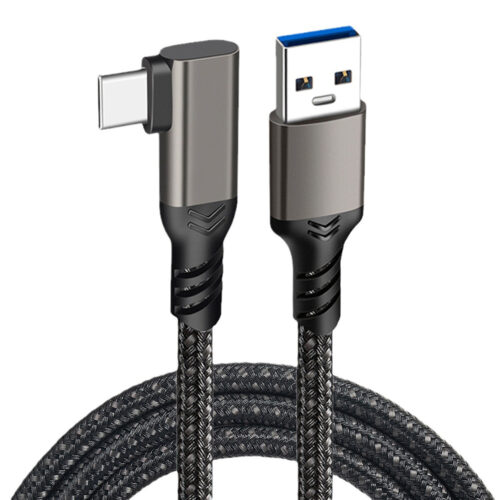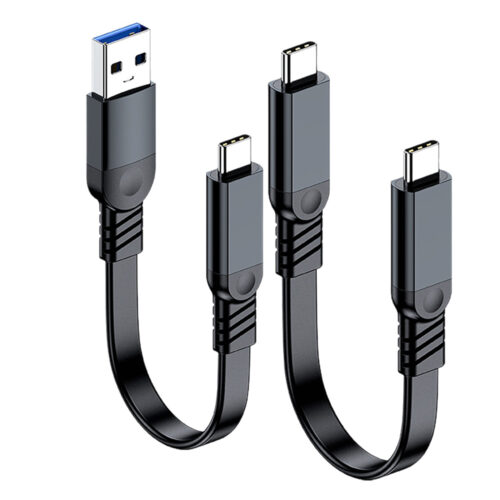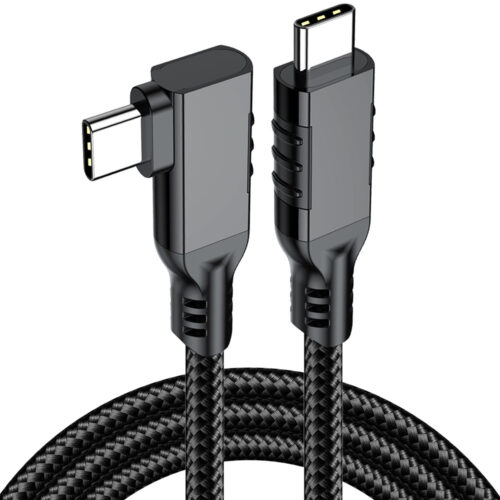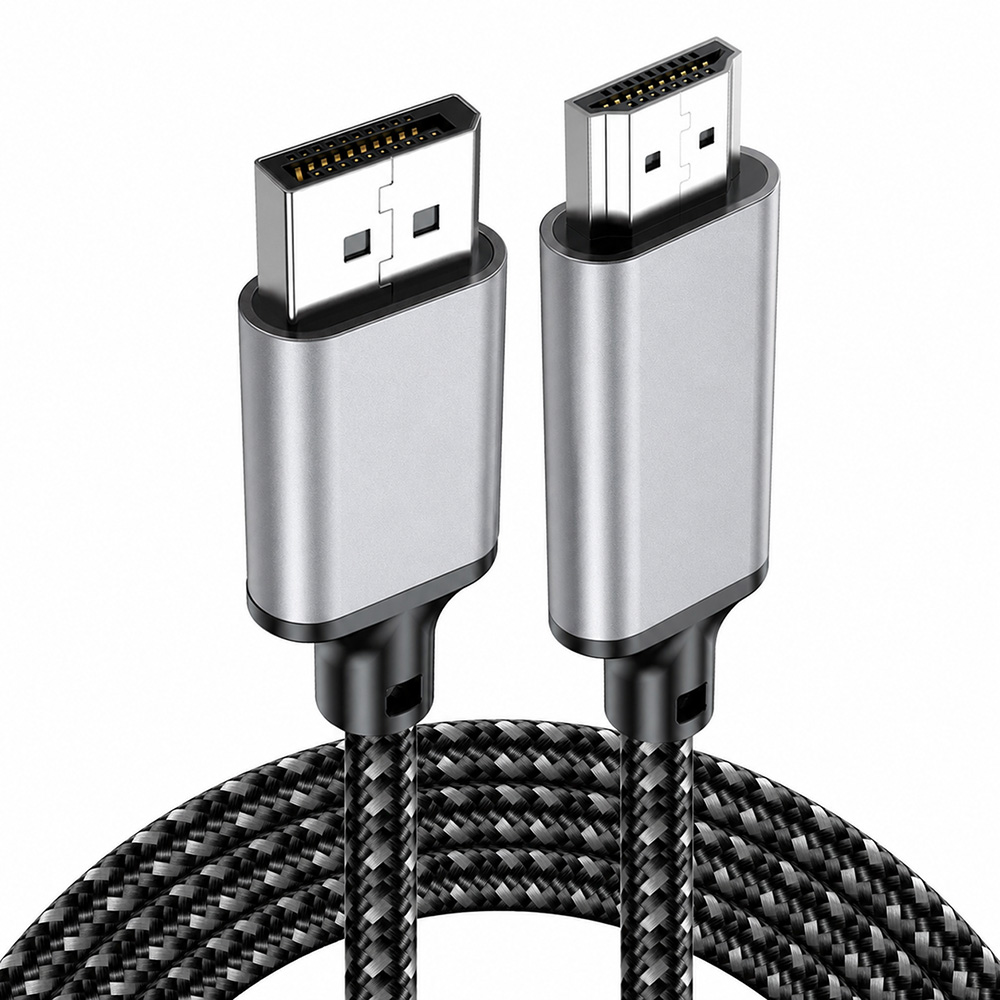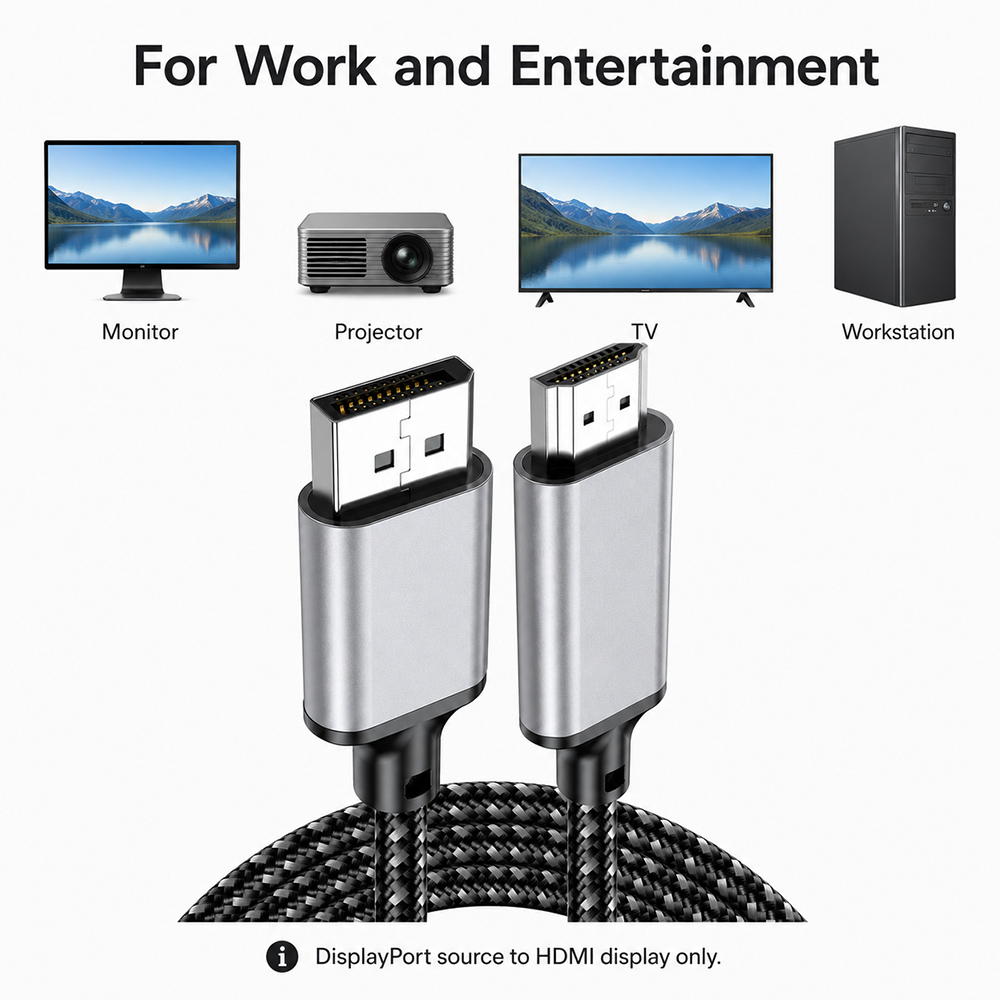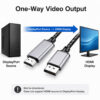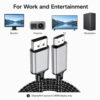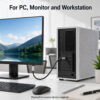

This 4K DisplayPort to HDMI cable is designed to connect a DisplayPort source device to an HDMI display. It is suitable for desktop PCs, graphics cards, workstations and other devices with a DisplayPort output, allowing you to connect to an HDMI monitor, TV or projector.
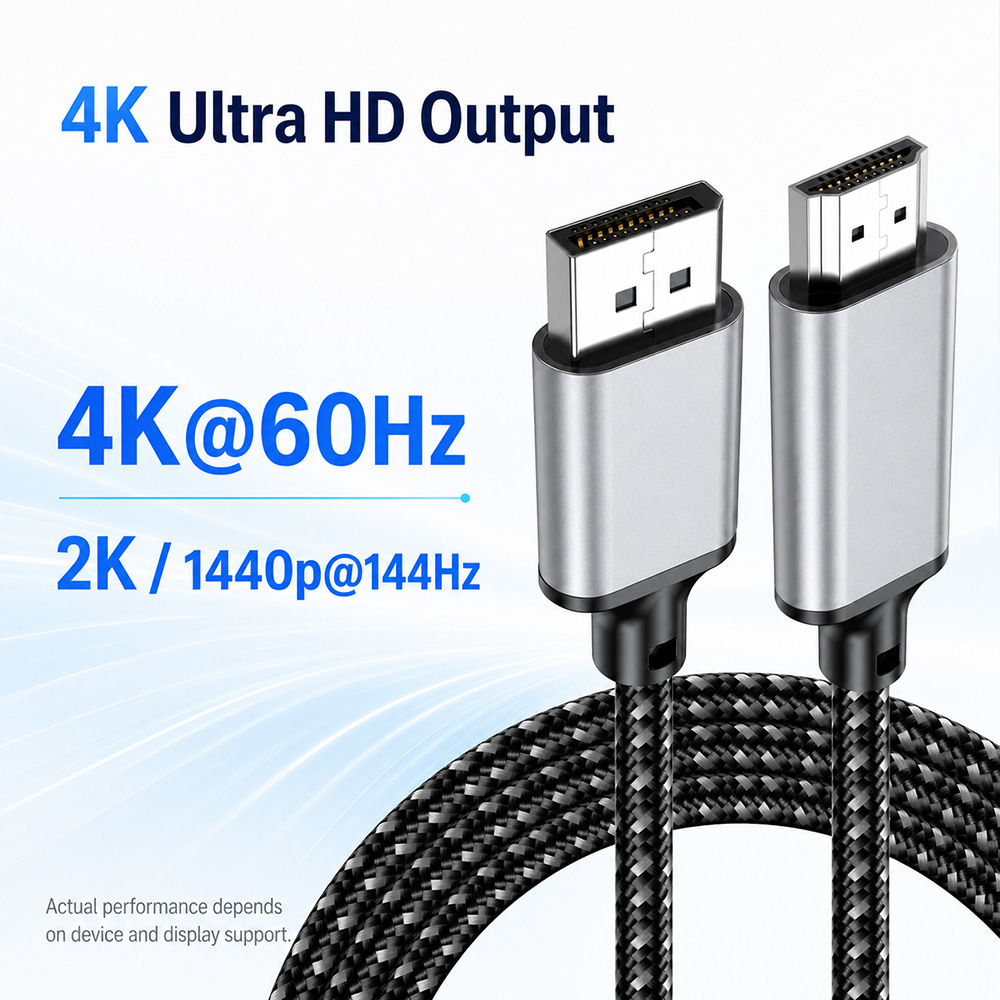
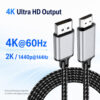
Supports up to 4K@60Hz and 2K / 1440p@144Hz for clear and smooth video output. It is suitable for office work, presentations, home entertainment and extended display setups. Actual performance depends on the DisplayPort source device, HDMI display and system settings.
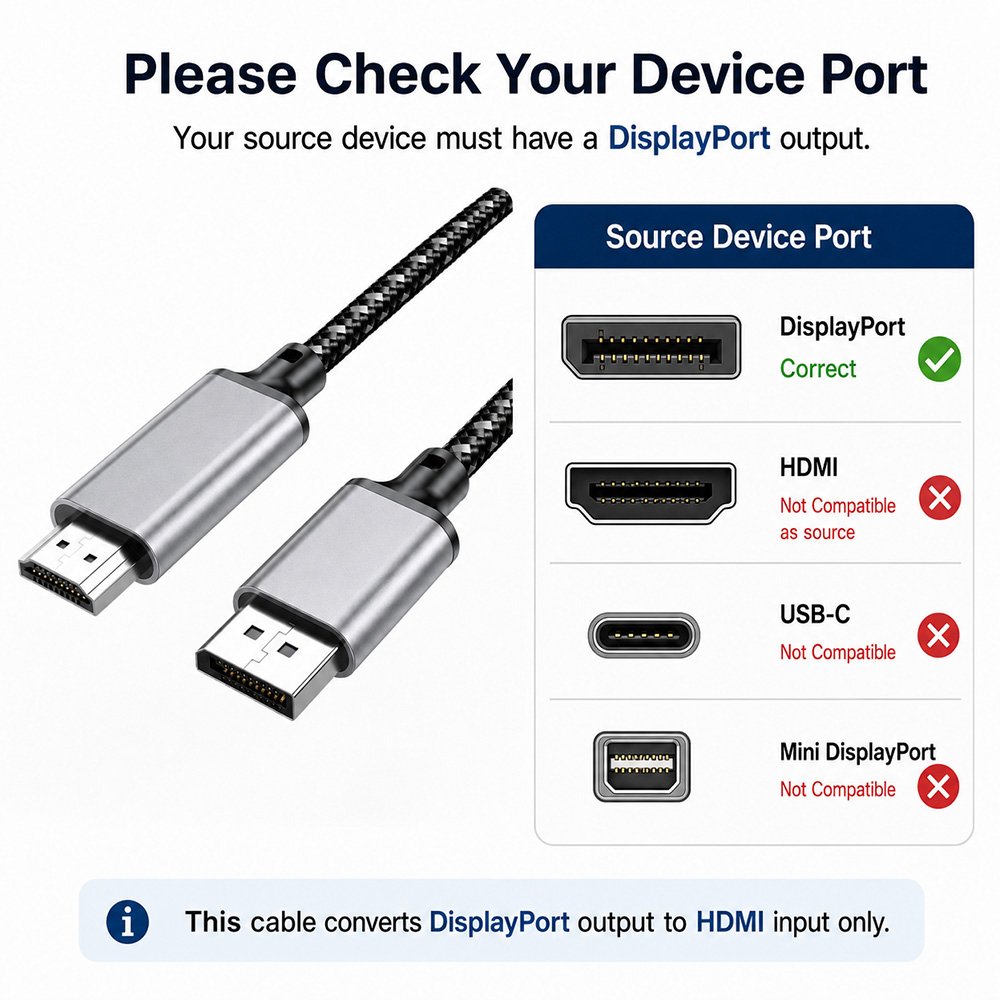
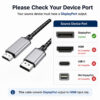
This cable only supports DisplayPort source to HDMI display. It is not bi-directional and does not support HDMI source to DisplayPort monitor. Please check your device ports before purchase.
Your source device must have a DisplayPort output, and your monitor, TV or projector must have an HDMI input. It is not compatible with USB-C, Mini DisplayPort or HDMI source output as the input side.
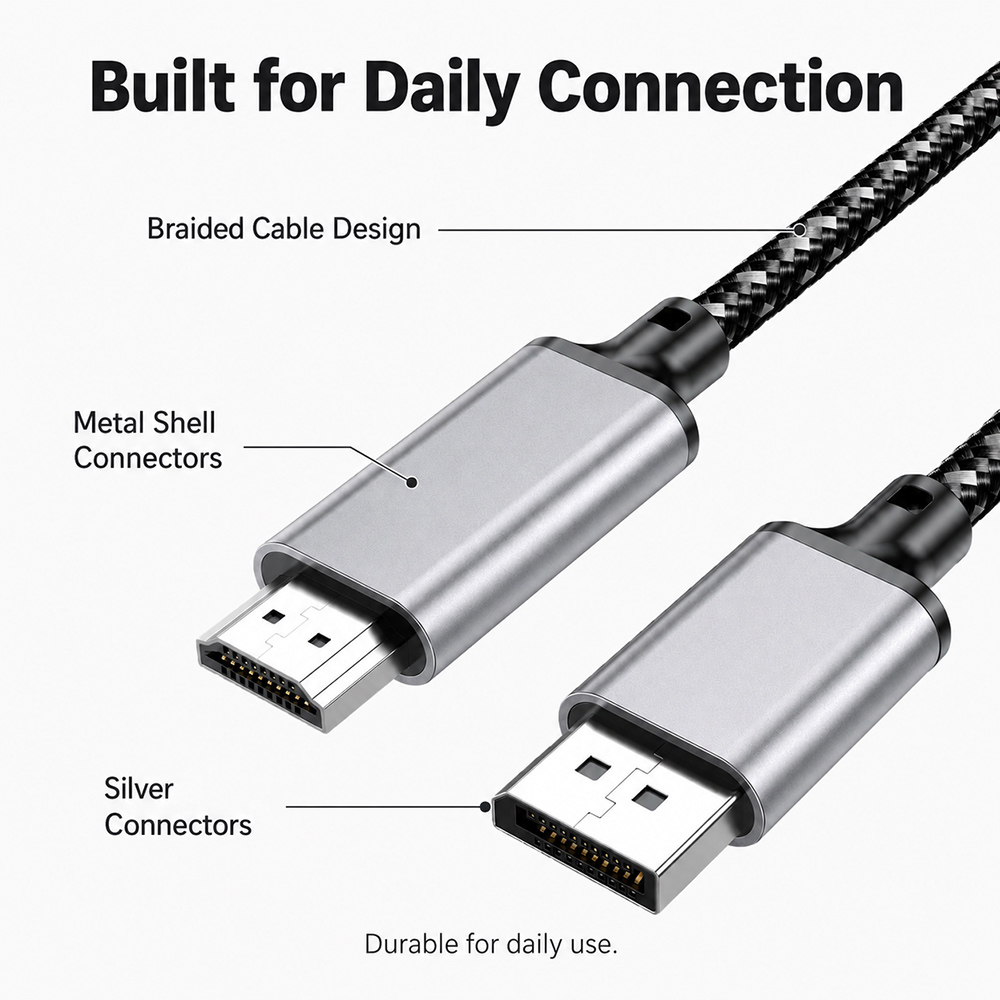
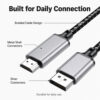
The braided cable design helps provide better daily durability and a clean appearance. The silver metal shell connectors and sturdy strain relief design are suitable for regular office, home and workstation use.
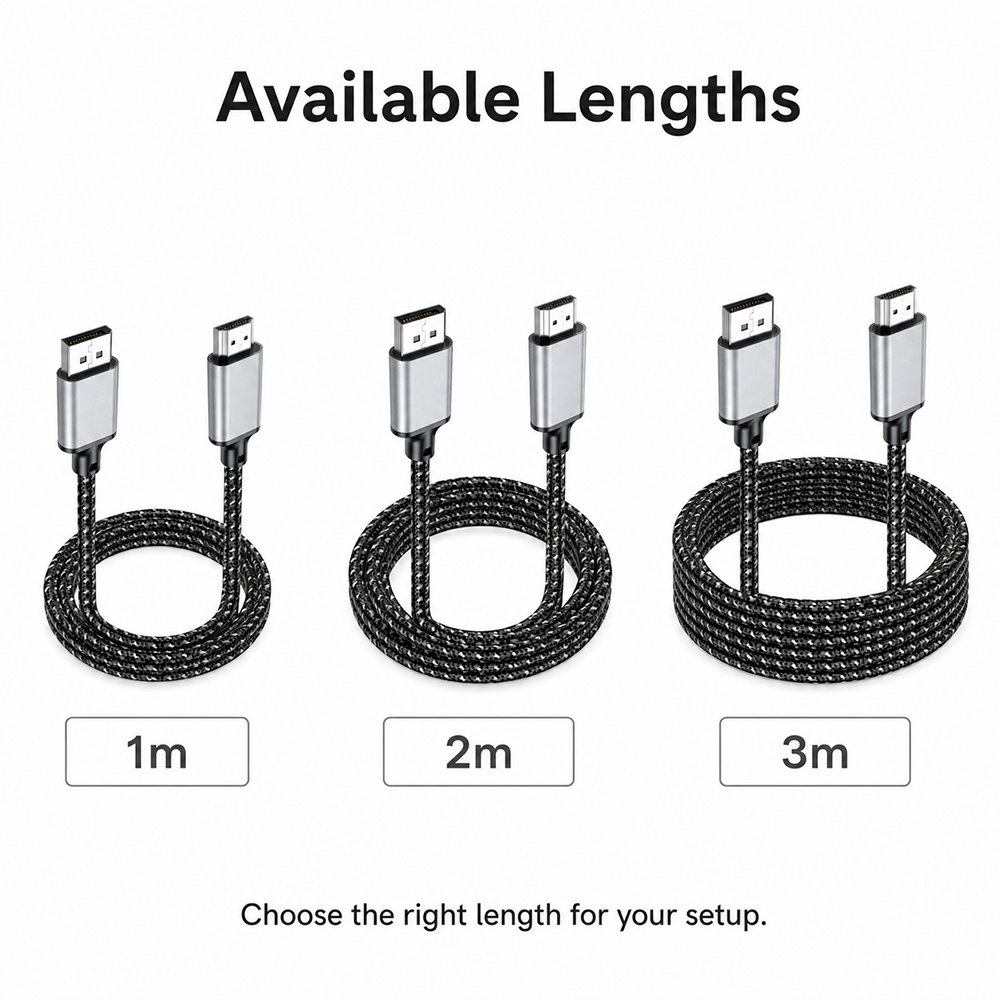
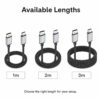
Available in 1m, 2m and 3m lengths, making it easy to choose the right cable length for your desk setup, monitor distance or workstation layout.
Please make sure your source device has a DisplayPort output and your display has an HDMI input before purchase. This cable converts DisplayPort output to HDMI input only.